Planning a Realistic Family Figurine From Photos
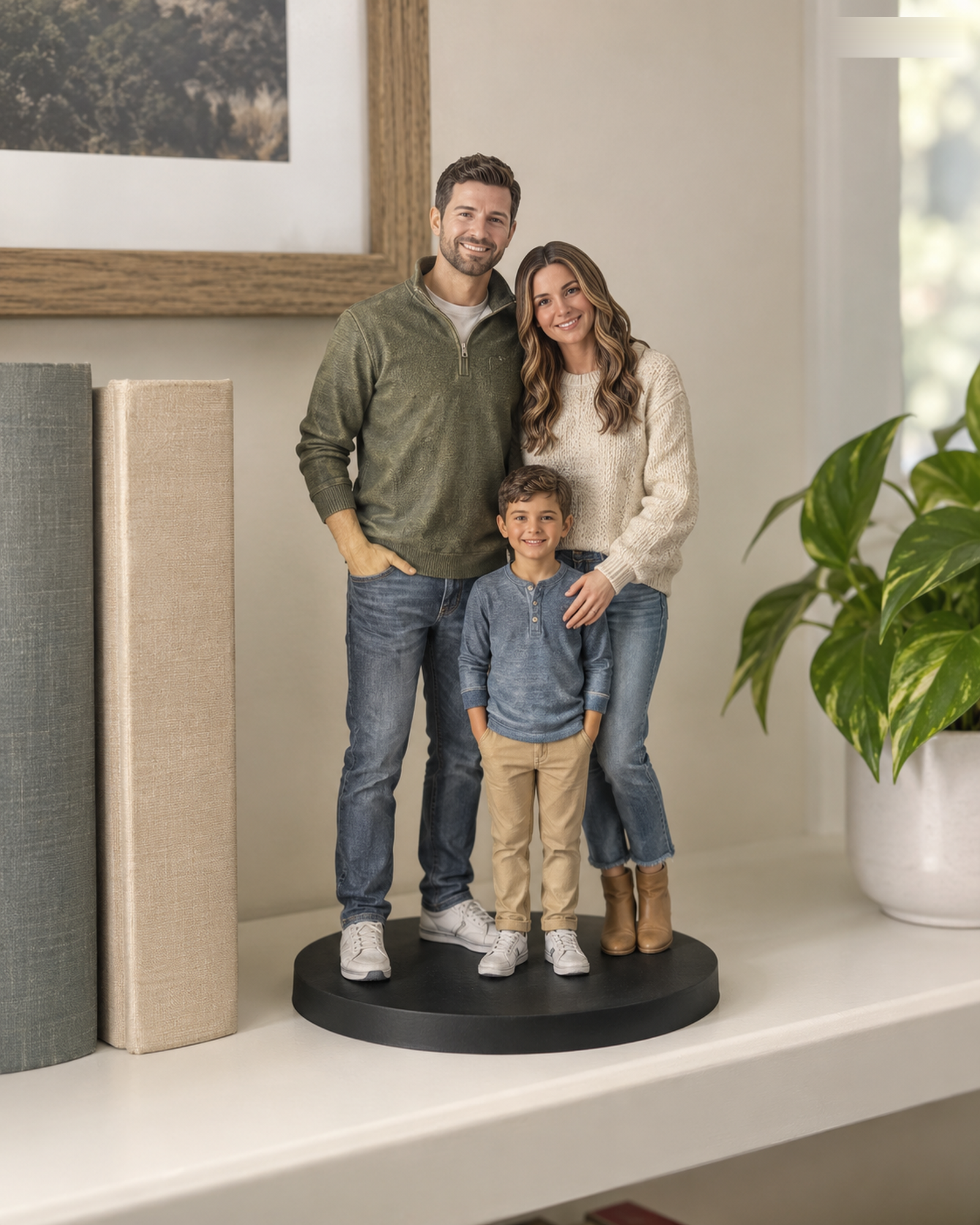
A family figure combines several likeness questions in one object: faces, relative scale, clothing and how people stand together. Start with the Realistic buying page to check whether the desired number of people and size are currently listed. The standard path covers the combinations shown there; four or more people require a Custom Quote. Do not assume an unlisted group will carry a standard price.
Use one image for composition and others for detail
A family photograph can show relationships and approximate placement, but a face hidden behind a shoulder is a poor likeness reference. Add a clear, individual front view for each person, plus useful side or clothing images where needed. Tell the team which photo represents the intended age, hairstyle and outfit if your references were taken at different times. Obtain permission to use every photo; for a minor, ensure parent or guardian authorization.
Decide what the group must include
List any pet, held object, special base or background separately. A family with pets may need manual scoping even if its people count is listed. Name the essential pose and the details you can be flexible about. This prevents an illustrated concept from being mistaken for a guaranteed composition or finish. The photo planning guide offers a practical reference checklist.
Review the final result before production
If the exact configuration is standard, the site shows a server-confirmed USD price, but checkout checks the complete standard U.S. address against configured delivery rules and applies US$0 Free Shipping when eligible. Customer service checks the materials after payment; the merchant separately decides whether to accept the order. Before any physical production, compare the identified final 3D preview with the confirmed subject list and explicitly approve it. Q-Style is another visual route, but three or more people there require a quote.
Prepare a family arrangement before selecting a product
Sketch the left-to-right order and note relative height, pose, and clothing for each person. Use distinct reference images for each subject. Compare the total group with the live standard options and switch to Custom Quote when the exact arrangement is not selectable.
Want to compare another provider? Figurly publicly lists subject formats and describes when larger groups are routed to a quote. This is one provider's scope presentation, not a universal industry rule or a promise about Forever In Form availability.
Continue with the Realistic configurator or the Q-Style configurator. For unlisted combinations, use Custom Quote.