Preparing Family Photos for a Custom Figurine
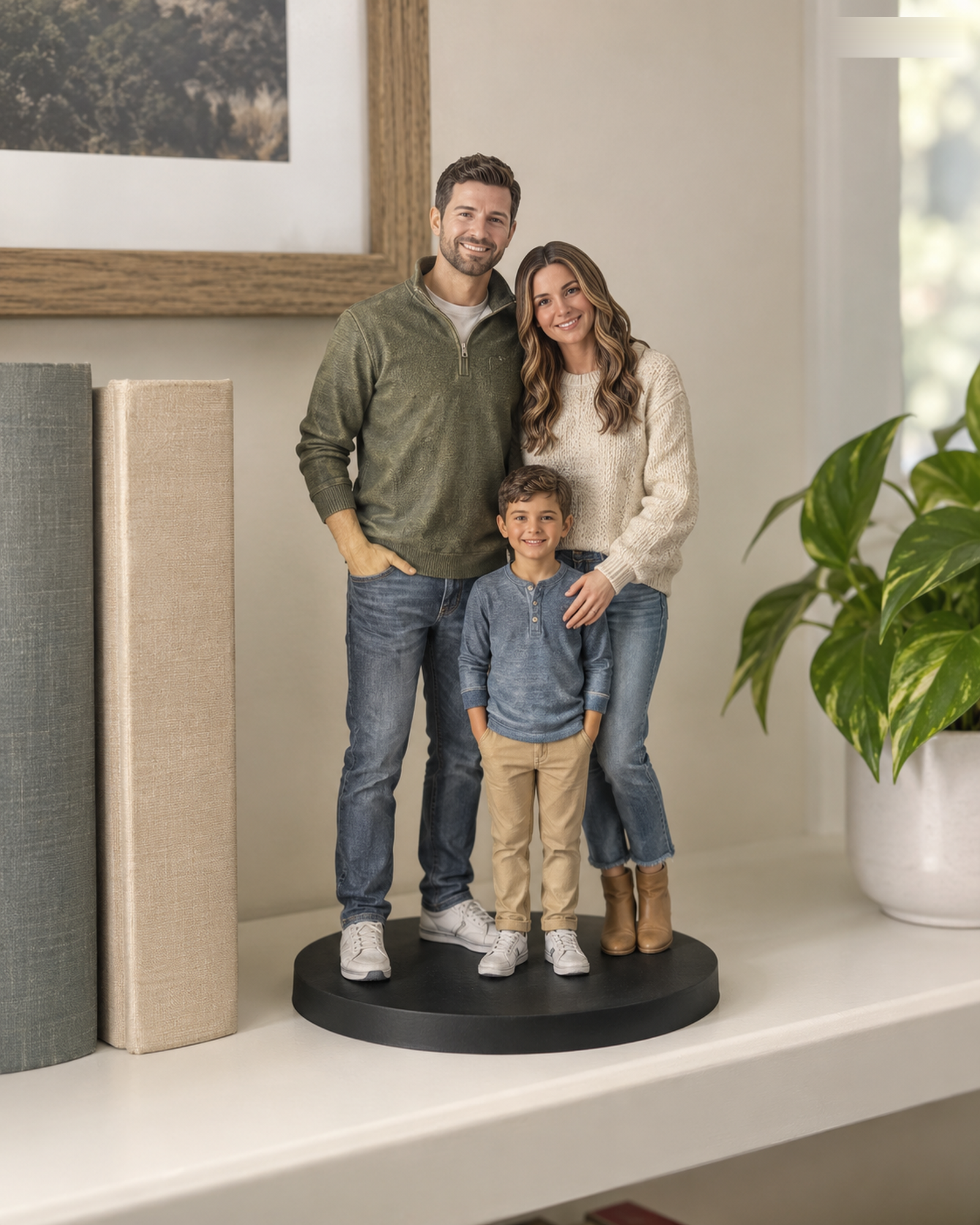
A group photograph tells a story, but it rarely shows every face, outfit and height relationship clearly. For a family figure, start with one image that describes the intended grouping, then collect an individual, front-facing reference for each subject. The goal is to reduce ambiguity before a designer interprets the scene.
Separate composition from likeness
Label the group photo as the composition reference. Then provide clear, well-lit images for each person's face and, when relevant, clothing. A child standing behind an adult or a pet partly hidden by a chair needs a separate view. If the family photo was taken years ago, specify which appearance and clothing should be represented. Only upload images you have permission to use; photos of minors require parent or guardian permission.
Check group limits before paying
The live Realistic and Q-Style pages list the standard subject combinations. Realistic lists four or more people for a Custom Quote; Q-Style lists three or more people for a Custom Quote, and complex pet combinations also require review. A special scene, prop, or unlisted subject arrangement should go to the unpaid quote route, not be squeezed into a standard selection.
Use the preview to verify the group
After customer-service review and separate merchant acceptance, inspect the identified final 3D preview for the number of subjects, their placement, and the details you named. Ask for assessment of changes before approval. Physical production begins only after your explicit final-preview approval. The preview checklist can help the family review together.
Build a reference set for a group
Give each person at least one identifiable, well-lit reference and note the intended order from left to right. A group photo can explain spacing, but individual views help distinguish faces and clothing. Confirm that your chosen number of subjects is supported by the live configurator; otherwise use Custom Quote.
Want to compare another provider? Cuddle Clones publishes a photo-angle guide for its plush replica service. It is a useful example of labeling face, side, and distinctive-marking views; its product and workflow are different from Forever In Form's figurines.
Continue with the Realistic configurator or the Q-Style configurator. For unlisted combinations, use Custom Quote.