Planning a Q-Style Figurine of a Person and a Pet
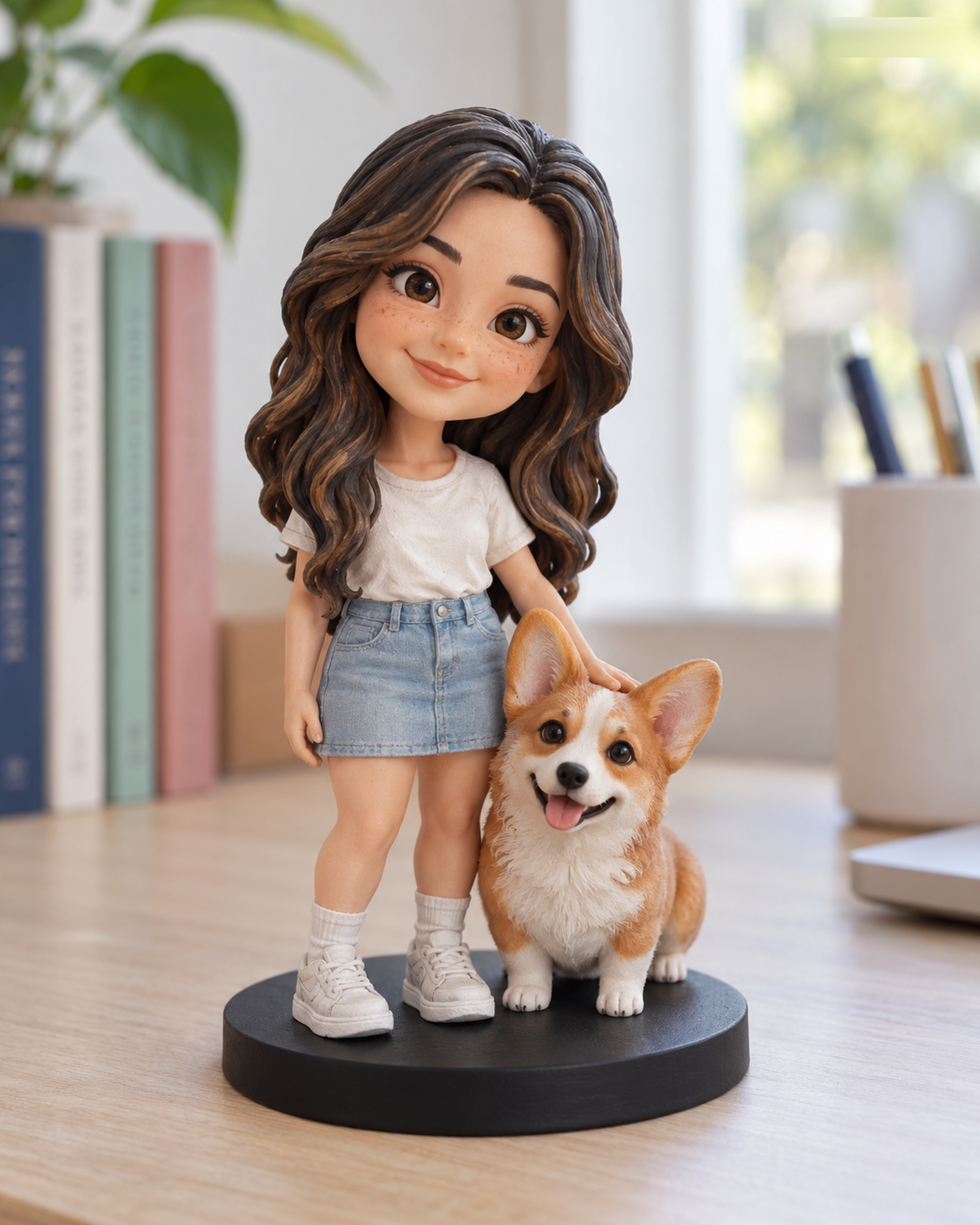
A Q-Style figure uses a playful, simplified look, but it still needs enough information to identify both subjects. The live Q-Style buying page is the authority for the combinations currently sold at a standard USD price. A person-and-pet idea should not be forced into an unrelated option; if the exact combination is unavailable, send an unpaid Custom Quote request.
Show each subject independently
Provide a clear front view of the person, plus an image showing the hairstyle and outfit you want. For the pet, include a face and body view, with extra views for markings hidden in the main image. A shared picture can show the relationship and approximate scale, but it is rarely a substitute for clear separate references. If the pet has changed appearance over time, note which photograph reflects the intended version.
Choose what must remain recognizable
Because Q-Style changes proportions, select a few identifying cues rather than asking the designer to reproduce every tiny detail. These might be a distinctive hair shape, a jacket color, the pet's ear shape or a bold coat patch. State whether the pet should be held, seated beside the person or represented in another pose. A special scene or prop may need a manual quote. See the Q-Style feature guide for a closer look at this choice.
Check the transaction path before paying
Use the live page to select only a supported standard combination and see the server-confirmed amount. If a requested arrangement needs a quote, an inquiry remains unpaid until a separate offer is reviewed. Eligible standard U.S. addresses are checked at checkout and receive US$0 Free Shipping. Unsupported or uncertain addresses should use Custom Quote. After payment, customer service and the merchant still review the order. You explicitly approve the identified final 3D preview before physical production. Compare Realistic if a less stylized appearance better matches your gift.
Make each subject legible in the reference set
Give the person and pet separate clear views, then add a shared photo to explain how they should appear together. Note who is in front, the pose, and the pet's key markings. Check the live Q-Style configuration; use Custom Quote if the exact pairing is not listed.
Want to compare another provider? Cuddle Clones publishes a photo-angle guide for its plush replica service. It is a useful example of labeling face, side, and distinctive-marking views; its product and workflow are different from Forever In Form's figurines.
Continue with the Realistic configurator or the Q-Style configurator. For unlisted combinations, use Custom Quote.