Keeping a Q-Style Figurine Recognizable
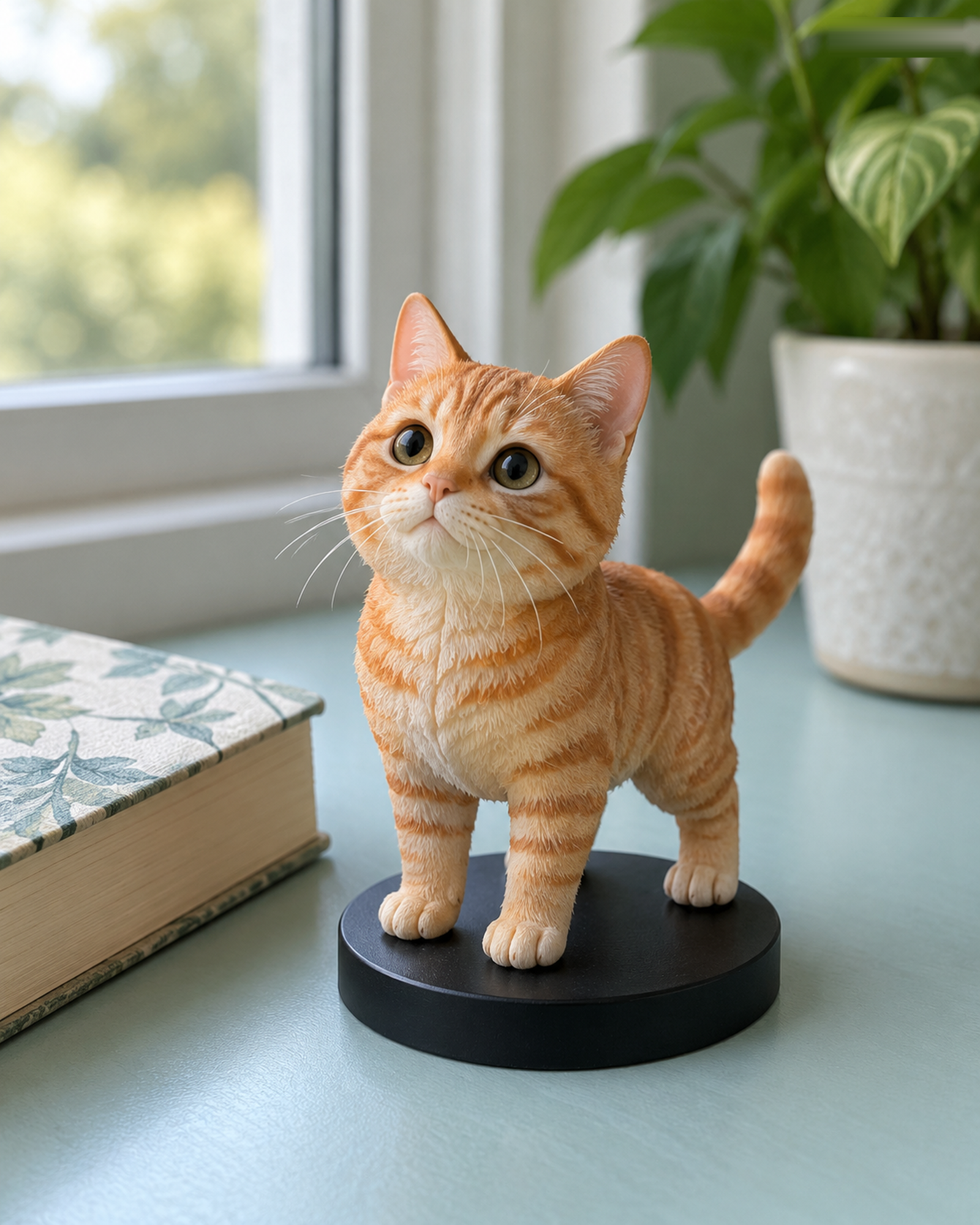
Q-Style uses playful, chibi-inspired proportions. That makes a figure expressive, but it also means a small number of visual cues carry much of the likeness. Before uploading, decide which cues you would want a friend to recognize without being told who the figure represents.
Pick a short list of defining details
A hairstyle, glasses, a favorite jacket, or a pet's unusual coat patch can be more useful than a long list of tiny features. Provide a clear front photo for the face, then a separate photo if a side view or outfit is important. Avoid a filter that changes the face shape or color. For a pet, show the face and markings in good light.
Use the notes to resolve ambiguity
Two photographs may show different outfits or hairstyles. Tell the team which one is current and which details are intended for the figure. The live Q-Style configurator lists available subject and size options and displays a server-confirmed USD price for standard choices. Three or more people, multiple pets, special props, and complex scenes may need a Custom Quote rather than an assumed standard price.
Review the 3D preview as a design, not a photograph
At the final preview, look for the identifying cues you requested and the overall relationship among subjects. Ask customer service to assess any change in scope; additional work or charges require your explicit agreement. Neither silence nor an early draft counts as final approval. Physical production waits for your explicit approval of the identified final 3D preview. For a more detail-focused option, compare the Realistic style.
Choose the details that carry recognition in a stylized design
Select three or four identifiers—such as hairstyle, glasses, a signature garment, or a pet marking—and state which matter most. Q-Style simplifies proportions by design, so use the preview to check the overall expression and silhouette rather than expecting a photographic copy.
Want to compare another provider? 01fig publicly presents several figure styles and product options. Compare the offered selectors and preview descriptions directly; those options are specific to 01fig and are not Forever In Form specifications.
Continue with the Realistic configurator or the Q-Style configurator. For unlisted combinations, use Custom Quote.