Planning a Person-and-Pet Custom Figurine
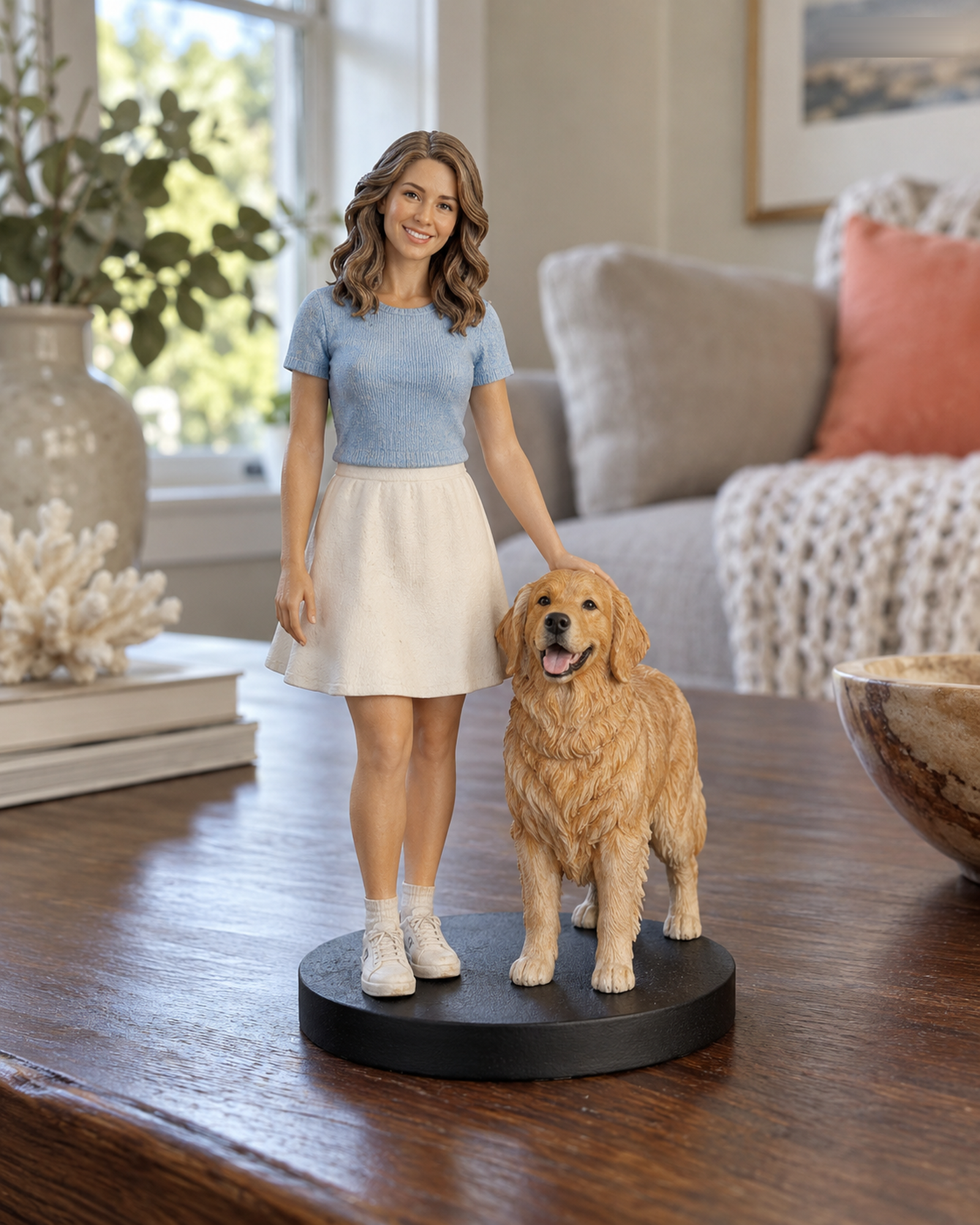
A person and a pet may share one favorite photo, but that picture often leaves the animal's markings or the person's face hard to see. Treat the shared image as a composition reference and provide clear separate images for each subject. Both Realistic and Q-Style pages display people-and-pets choices; the exact available combinations must be checked in the live configurator.
Build a useful reference set
For the person, begin with an unobstructed front view; add clothing and hairstyle views if those details matter. For the pet, show the eyes and face, body shape, coat color, and distinctive markings. If the shared image is from a low angle or the pet is partly hidden, add an eye-level photo. Label in the request which image is the main composition and which images explain details.
Decide what the relationship should show
Would you like the composition to emphasize closeness, a familiar stance, or a recognizable outfit? Describe it plainly. The standard configurator covers only the combinations shown there. An unusual pose, accessory, scene, or more complex grouping can change the scope and require a manual quote. Do not rely on a photo alone to imply a custom base or special prop.
Price and review
Select the subjects and a listed size to see the supported USD amount; the server confirms standard pricing. If the configuration is outside that scope, the site asks for a Custom Quote instead. After payment, staff review the references, the merchant separately accepts or declines the order, and you must explicitly approve the final 3D preview before physical production. See the pet-specific photo checklist before uploading. Reference images are handled under the Privacy Policy.
Document the relationship and the subjects
Use separate clear images for the person and the pet, plus a shared image if it explains the pose. Note the pet's coat pattern, markings, and position. Check the current product selectors; if the combination or arrangement is not listed, ask for a quote before assuming it fits a standard order.
Want to compare another provider? Cuddle Clones publishes a photo-angle guide for its plush replica service. It is a useful example of labeling face, side, and distinctive-marking views; its product and workflow are different from Forever In Form's figurines.
Continue with the Realistic configurator or the Q-Style configurator. For unlisted combinations, use Custom Quote.