Which Pet Photos Help a Custom Figurine?
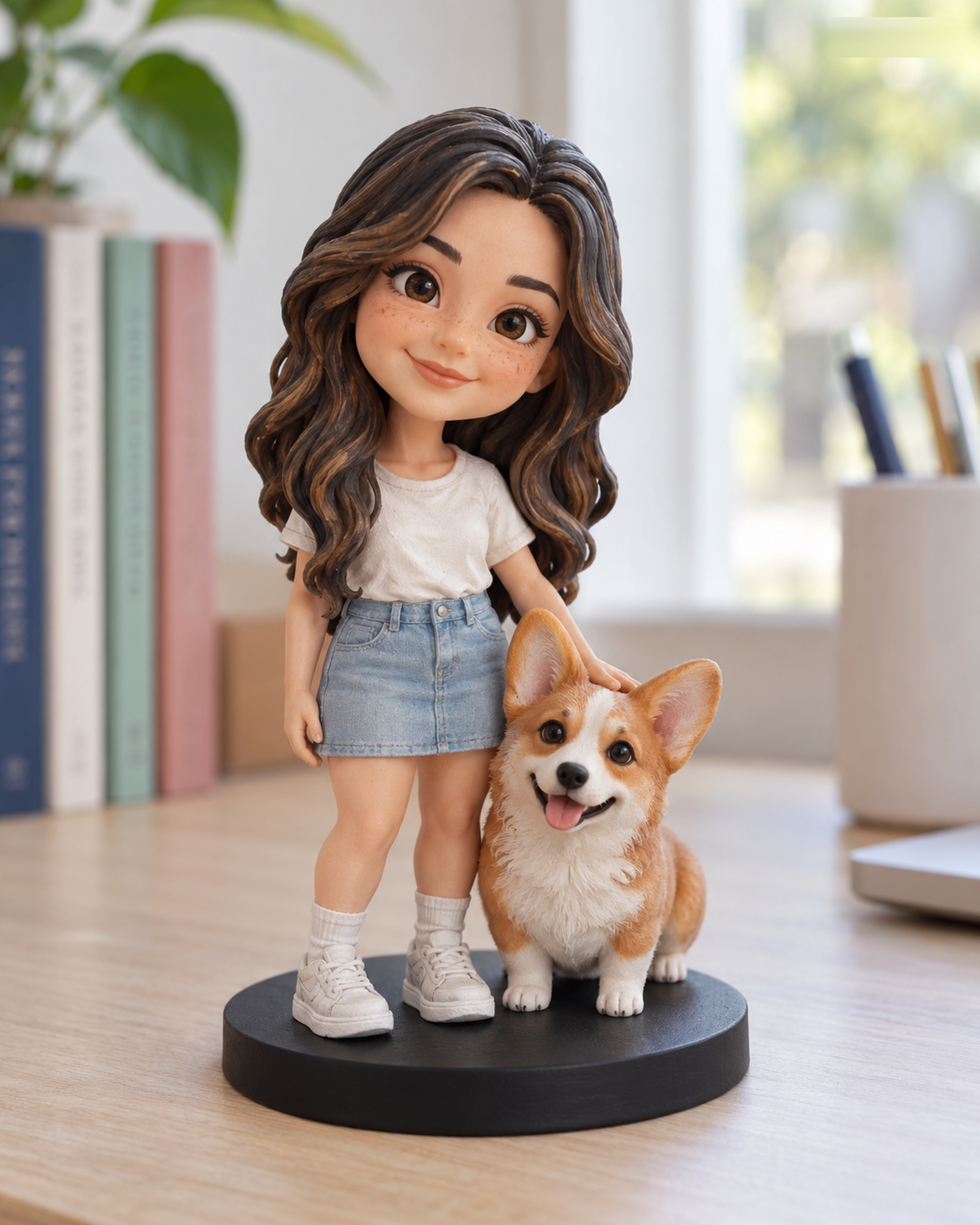
Pet references need to show more than a cute expression. A dark coat, partly hidden ear, or low-angle snapshot can obscure the features that distinguish your animal. This checklist focuses on pet-specific details; our broader reference photo guide covers people and general upload tips.
Start with the eyes and face
Choose a sharp, well-lit primary image with both eyes and the face visible. For a long-haired pet, brush hair away from features that matter. Avoid a wide-angle close-up that makes the nose seem much larger than the rest of the head. If the animal will not face the camera, add a second view that reveals the hidden side.
Show the coat and body separately
Provide a full-body photo that makes the general shape and proportions clear. Add a view of markings on the back, chest, paws, or tail if they are distinctive. In the request notes, identify which markings should be visible in the planned figure. If photos differ because of grooming or age, say which appearance should guide the design.
Check the available product path
The Realistic and Q-Style configurators display current subject and size choices. Certain pet-only or multi-pet combinations require a Custom Quote; follow the live configurator rather than assuming that every pet arrangement has a standard price. After review and merchant acceptance, you will see a 3D preview. Physical production waits for your explicit approval of the identified final preview. Please review the photo privacy notice before upload.
Photograph the features that distinguish this pet
Start with an eye-level face view in soft, even light. Add a side view for muzzle shape and a body view for coat pattern, tail, or distinctive markings. Keep the original image color and avoid filters that hide the true coat. One well-chosen photo is more useful than several blurry repeats.
Want to compare another provider? Cuddle Clones publishes a photo-angle guide for its plush replica service. It is a useful example of labeling face, side, and distinctive-marking views; its product and workflow are different from Forever In Form's figurines.
Continue with the Realistic configurator or the Q-Style configurator. For unlisted combinations, use Custom Quote.