How to Organize Multiple Photos for a Custom Figurine
More photos help only when each one answers a different question. Before uploading, choose one primary image for identity and assign each supporting photo a job: profile, full-body pose, clothing, or a distinctive marking. This keeps the design brief clearer than sending a large group of unlabeled images.
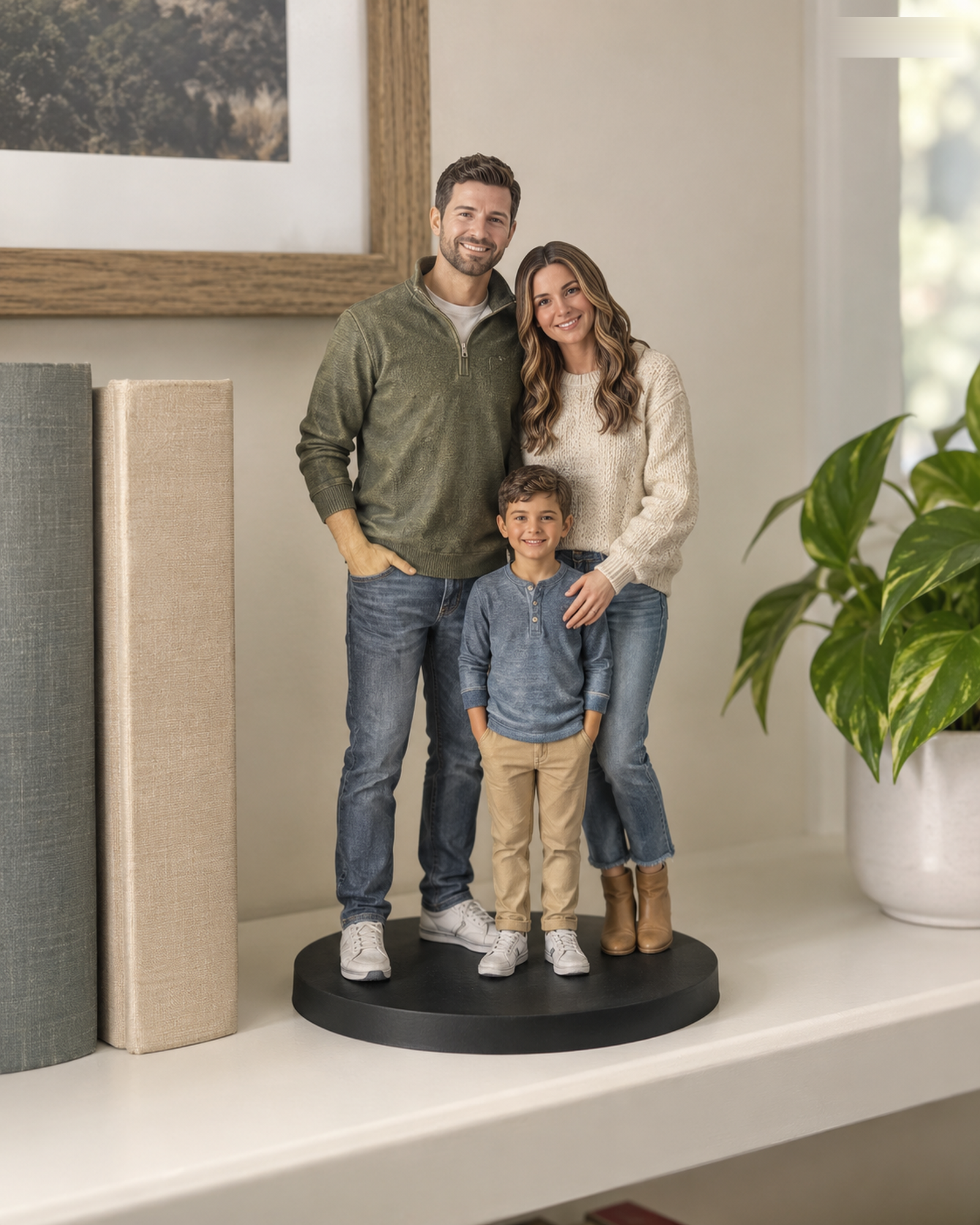
Choose one primary reference
Pick the clearest, most representative photo for the subject’s face and overall appearance. A useful primary image is sharp, evenly lit, and not heavily filtered. It does not need to answer every design question; supporting images can provide context.
Give each supporting image a purpose
- Side view: clarify profile, hair shape, muzzle, or ear placement.
- Full-body view: clarify pose, proportions, and clothing.
- Detail view: show a distinctive pattern, accessory, or garment feature.
- Group image: explain relative placement when more than one subject appears.
For a person-and-pet design, provide a clear reference for each subject and a shared image only if it explains how they should appear together. Use the person-and-pet planning guide to prepare the subject arrangement.
Resolve disagreements before submission
If two images show different hairstyles, ages, outfits, or markings, state which one controls each feature. Avoid expecting the maker to infer whether a difference is intentional. A short note such as “use photo A for face and hair; use photo B for the jacket color” is more actionable than “make it look right.”
Keep the set focused and private
Do not upload extra images that do not help identify the subject or requested design. Avoid screenshots containing unrelated people, private messages, or location details. Only submit photos you are authorized to use, and see the Photo Privacy Policy for the site’s handling of submitted images.
Another provider, Cuddle Clones, distinguishes face, side, and marking references for its plush replicas. The categories can help you organize a photo set, but the plush product requirements are not FFI specifications. For your order, check the current Forever In Form photo guide and the actual controls on the Realistic or Q-Style page.