How to Describe a Custom Figurine Pose
A useful pose request explains what the subject is doing and which parts of the scene matter most. A reference photo can show the moment, while a short written brief clarifies direction, hand placement, contact between subjects, and any detail that should not be changed. If the requested scene is not offered by the standard selectors, use Custom Quote for a scope review.
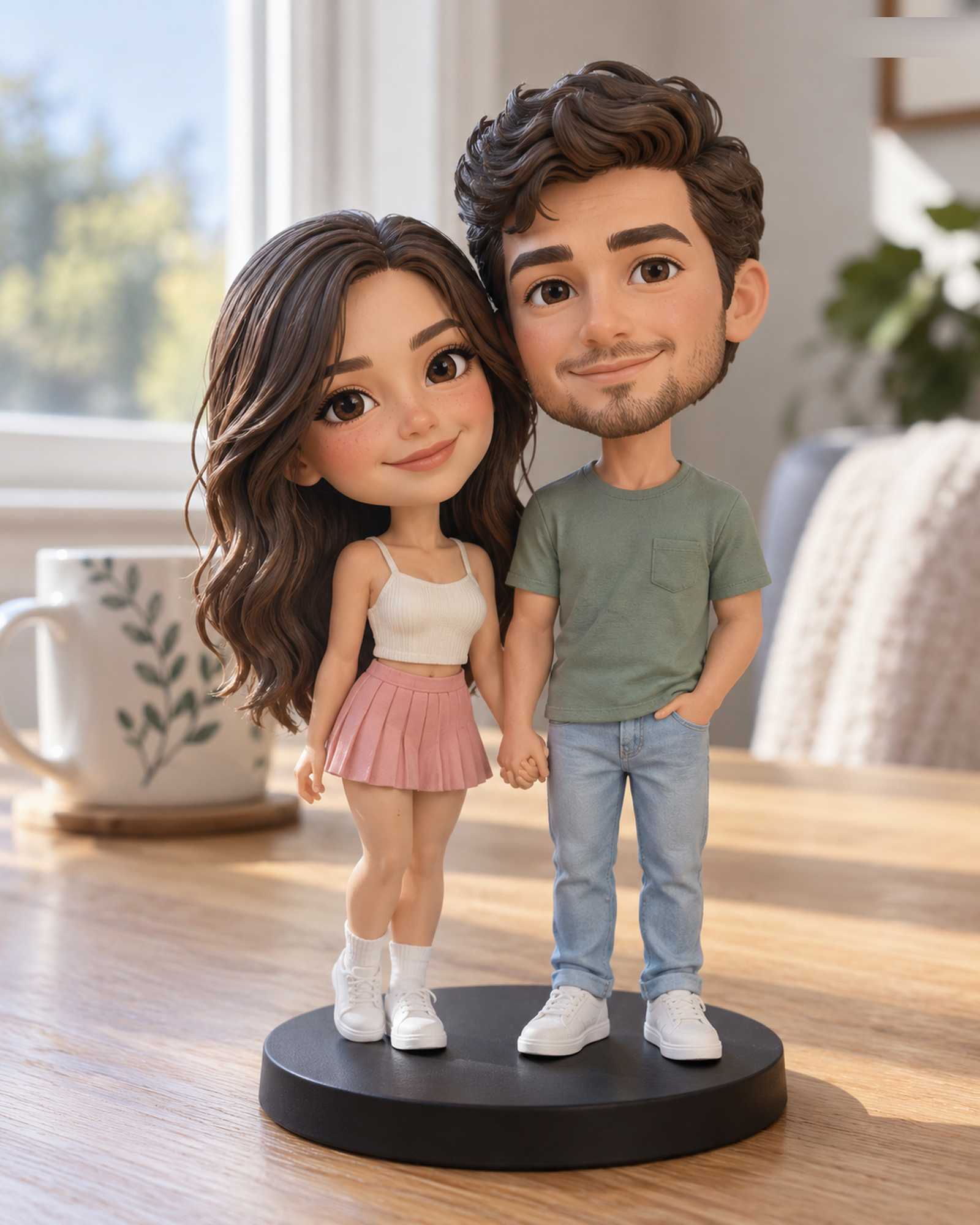
Describe the pose from the viewer’s perspective
Use simple directions such as “the person on the left faces slightly toward the other person” or “the dog sits at the person’s right side.” Avoid words like “left” when it is unclear whether you mean the subject’s left or the viewer’s left.
Name contact and spacing
Say whether subjects stand side by side, hold hands, sit together, or remain separate. If the pose includes contact, identify the point: hand on shoulder, arm around waist, or pet leaning against a leg. If no contact is important, say that too.
Separate must-haves from optional details
List the two or three features that carry the meaning of the pose first. Then add optional context such as a prop or base. An unlisted accessory, complex scene, or special arrangement may require a Custom Quote; do not assume every object in a photograph is included in a standard configuration.
Use the 3D preview to check the arrangement
When the team provides the identified final 3D preview, compare the subject count, direction, spacing, and named details with the brief. Distinguish a correction to the agreed request from a new design idea, and approve only the version you have reviewed. Physical production waits for your explicit approval of the final preview. Read the Preview and Revision Policy for the current rules.
Pose brief template
- Who appears, and where is each subject placed?
- Which way does each person or pet face?
- What are the hands, arms, legs, or paws doing?
- Where do subjects touch—or how much space should remain between them?
- Which clothing or identifying details must stay visible?
- Which props or scene elements are optional or need a quote?
Figurly publicly describes pose and scene customizations in its own configurator. That is a competitor’s stated scope, not a promise about Forever In Form. Compare the actual choices on the Realistic and Q-Style pages; request a quote for anything those controls do not offer.