How to Choose a Custom Figurine Size
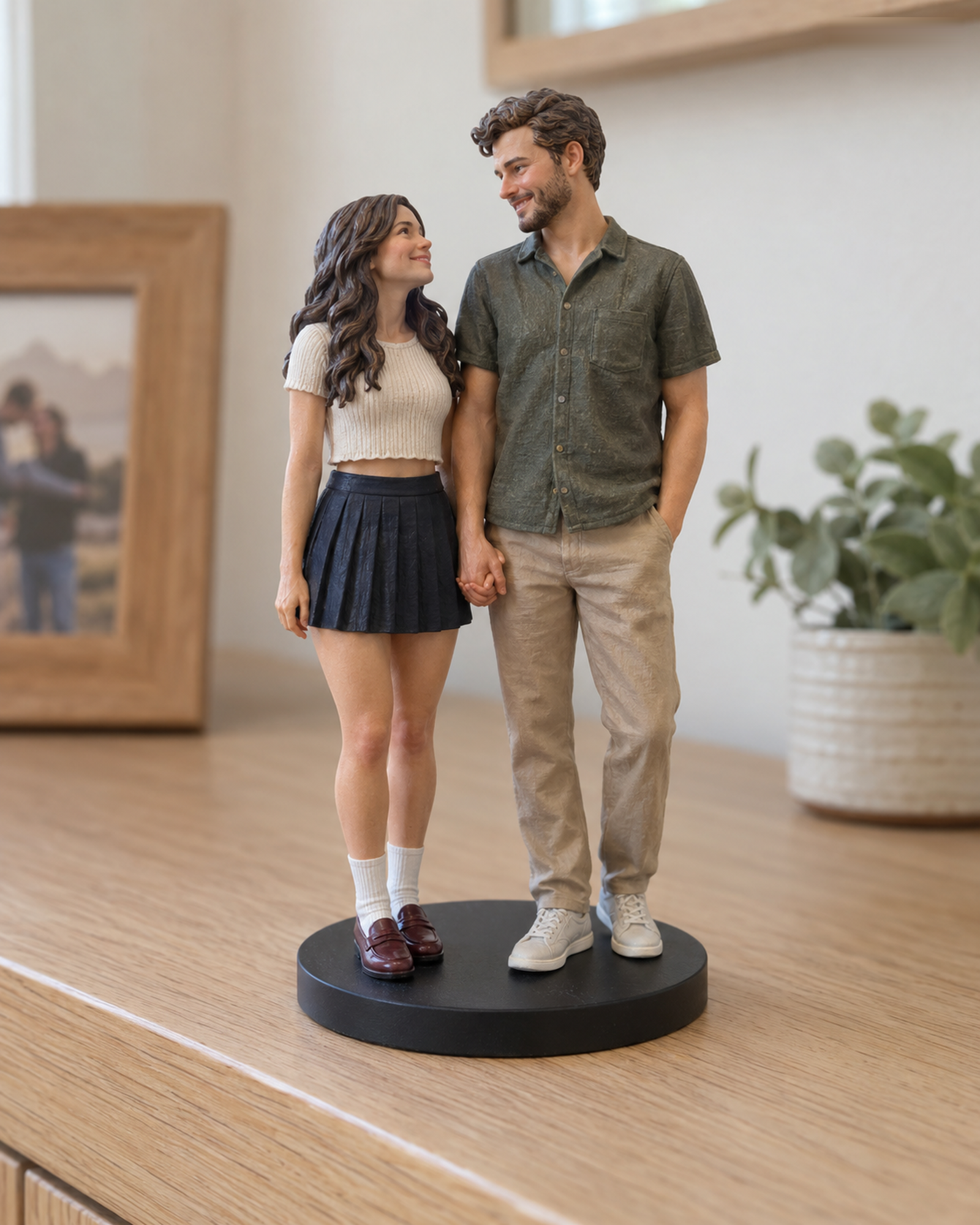
Size affects how a figure fits on a shelf, the visual emphasis of its details and the USD amount shown by the configurator. It should be chosen together with the number of people or pets, not from a photograph of the product alone. The live buying pages show the current available sizes; prices are confirmed by the server for supported standard choices.
Begin with the display location
Measure the space where the figure is likely to sit, including vertical clearance. Think about whether it will be viewed up close or from across a room. A compact display may call for a smaller listed option, while a multi-subject composition may need more space. The site does not promise that every requested detail can be resolved at every size; use the final 3D preview to review the proposed design.
Use the live configuration, not a static price chart
Realistic and Q-Style show current size and subject combinations. Choose the actual subjects and size to see the server-confirmed USD price. The live page marks 25cm+ or custom dimensions for a Custom Quote, as well as special clothing, poses, accessories, and scenes. A manual quote is also needed when the subject combination is outside the standard options.
Before submitting
Review the displayed style, subject count, size and uploaded photos together. If the selected size does not suit your intended scene, ask for a Custom Quote before proceeding. checkout checks a complete standard U.S. address for configured delivery eligibility and applies US$0 Free Shipping when eligible; customer service and the merchant still review the order after payment. Physical production waits for your explicit approval of the identified final 3D preview.
Choose size for the display spot
Measure the shelf or desk height and depth, then check the live size choices and product description. A screen mock-up is not a reliable physical scale reference. Ask customer service about a dimension not shown in the current configurator; do not infer detail or material performance from size alone.
Want to compare another provider? 01fig shows its own size choices and relative-size illustrations. Use that only as an example of how another provider communicates scale; it is not a size comparison for Forever In Form.
Continue with the Realistic configurator or the Q-Style configurator. For unlisted combinations, use Custom Quote.